Making Generative AI Usable for 3D Production




OVERVIEW
PROJECT SUMMARY

Research in AI tools and workflows, developed the generative design direction, and iterated on AI-generated outputs.
30% reduction in repetitive manual production work—by connecting generation, texture processing, material preview, and export into a single production workflow.
OUTPUT / RESULTS
USE CASES





RESEARCH
TECHNICAL RESEARCH


MODELS EVALUATED
TOOLS SELECTED FOR INTEGRATION
INTEGRATION CRITERIA

KEY FINDING

KEY FINDING
DEVELOPMENT
SYSTEM ARCHITECTURE
01 / INPUT
Text prompt
Reference image
Material intent
02 / AI PROCESSING
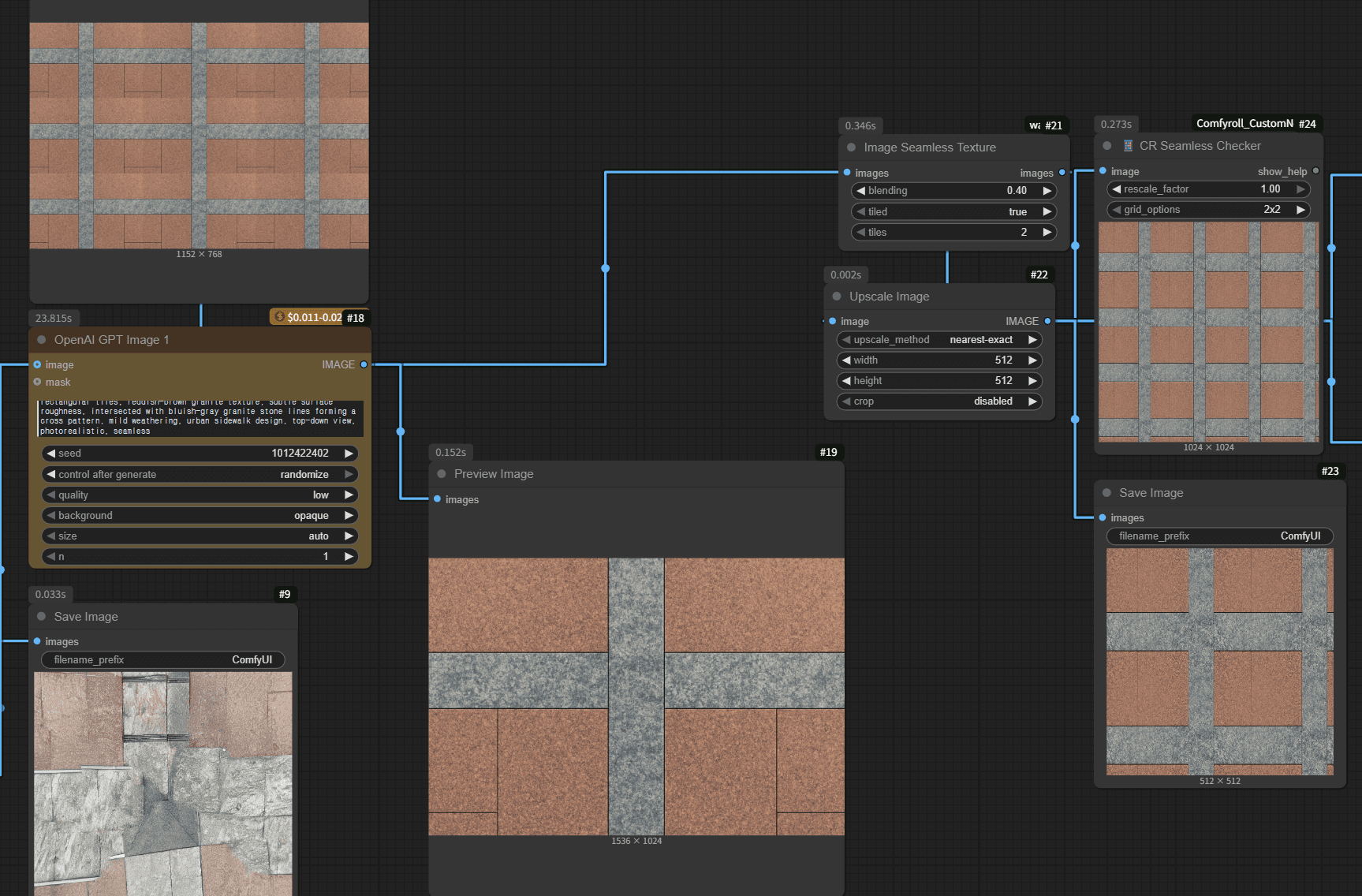
Texture generation
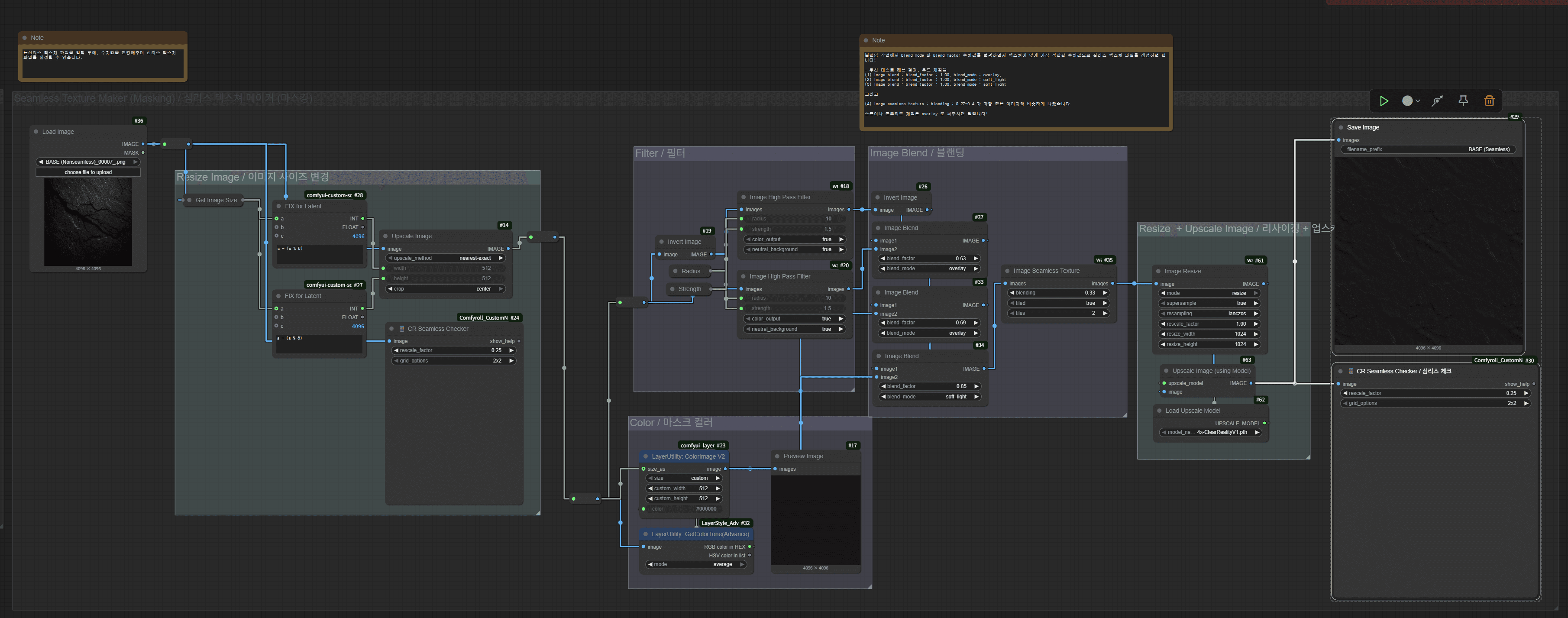
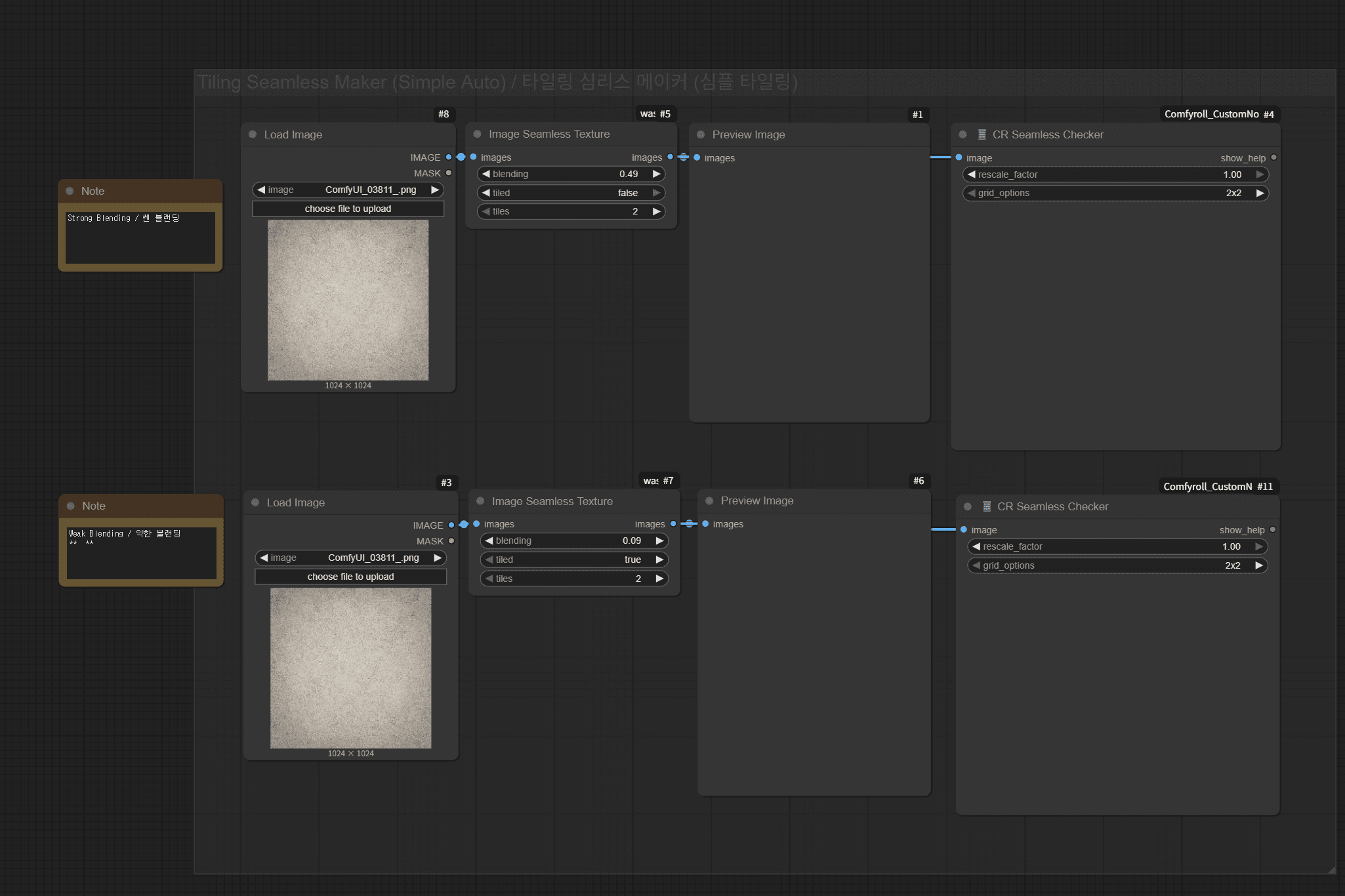
Seamless processing
PBR map creation
03 / WEBGL PREVIEW
Three.js geometry
Live PBR controls
Visual validation
04 / EXPORT
PNG · JPG · ORM
Normal · Roughness
GLB asset package
FINAL WORKFLOW BUILD
VIDEO OF FULL WORFKLOW BUILD
KEY FINDING
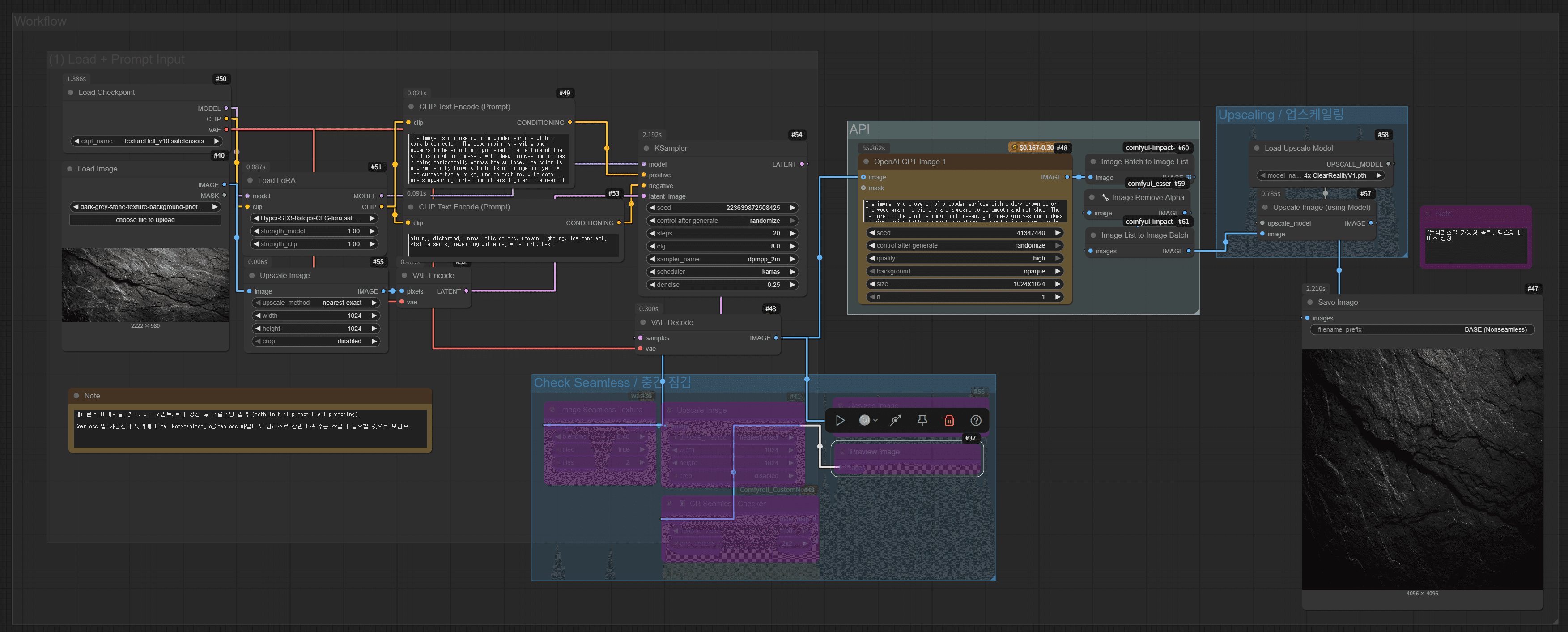
Models were treated as interchangeable capabilities—not as a product strategy. The system prioritized repeatable material quality and visible controls over a single impressive output.
VIDEO OF FULL WORFKLOW BUILD
03 / UPSCALING
Developed a Three.js material viewer to inspect generated maps on multiple geometries with real-time roughness, metalness, normal, lighting, and tiling controls.
VIDEO OF FULL WORFKLOW BUILD


01 / WORKFLOW DESIGN
Mapped material creation steps and identified where artists repeatedly moved files, rebuilt maps, and retested the same decisions.
02 / OPENAI API GENERATION
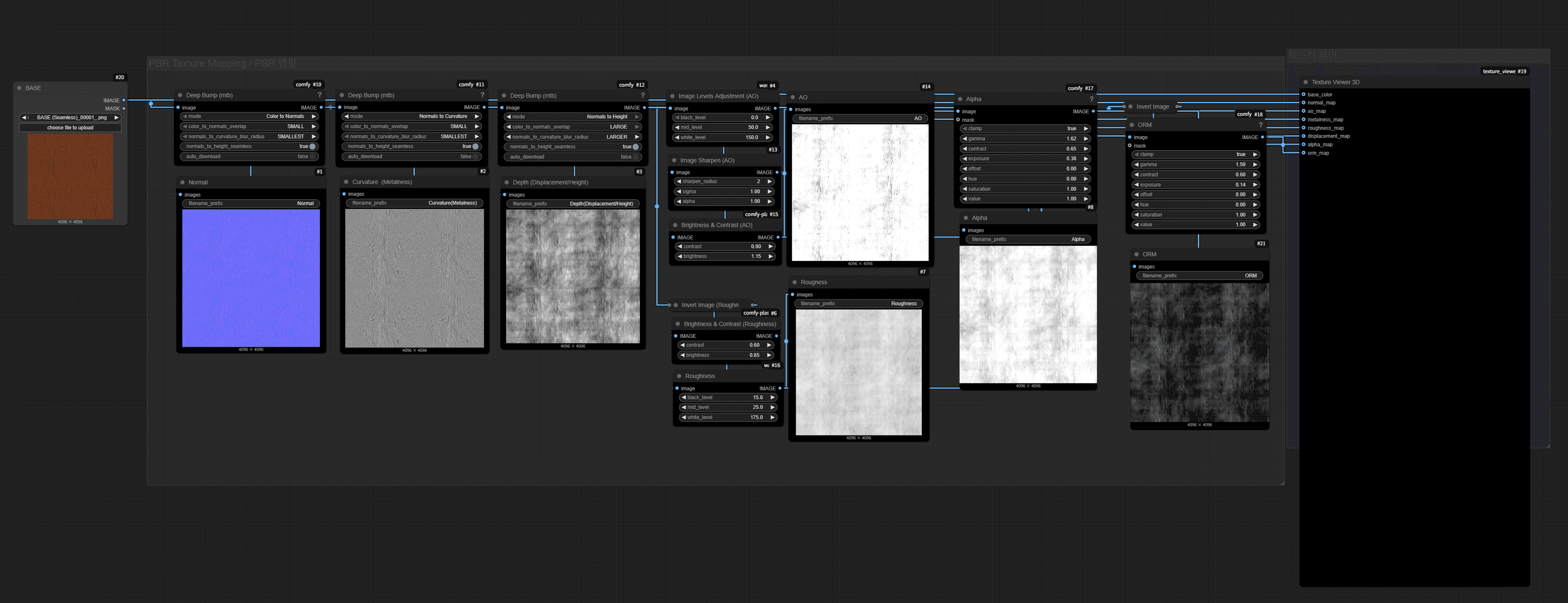
Built custom ComfyUI nodes with Python and JavaScript, tested emerging models, and connected generation stages into a repeatable artist-facing workflow.
VIDEO OF FULL WORFKLOW BUILD

01 / WORKFLOW DESIGN
Mapped material creation steps and identified where artists repeatedly moved files, rebuilt maps, and retested the same decisions.
02 / OPENAI API GENERATION
Built custom ComfyUI nodes with Python and JavaScript, tested emerging models, and connected generation stages into a repeatable artist-facing workflow.
MATERIAL DATA
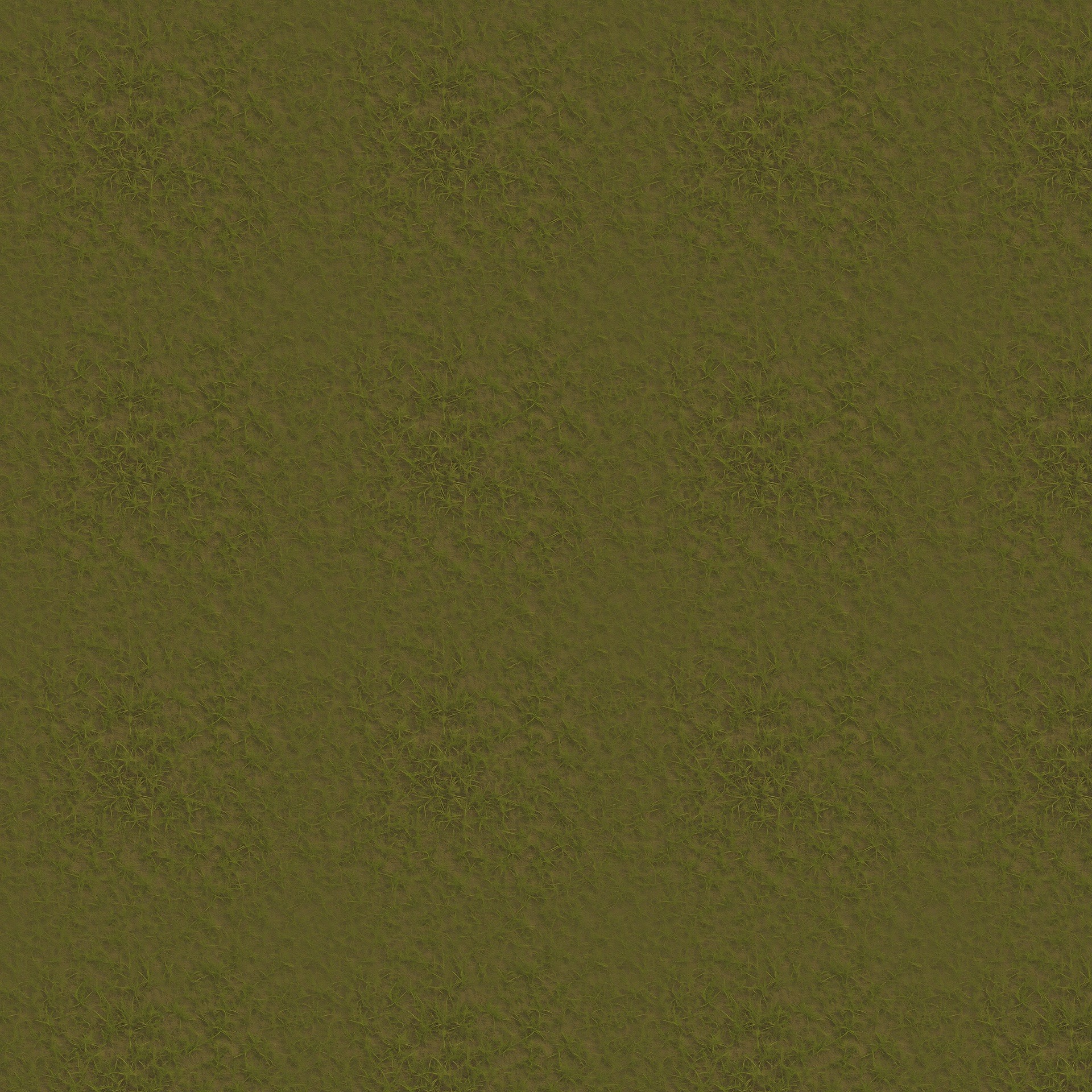
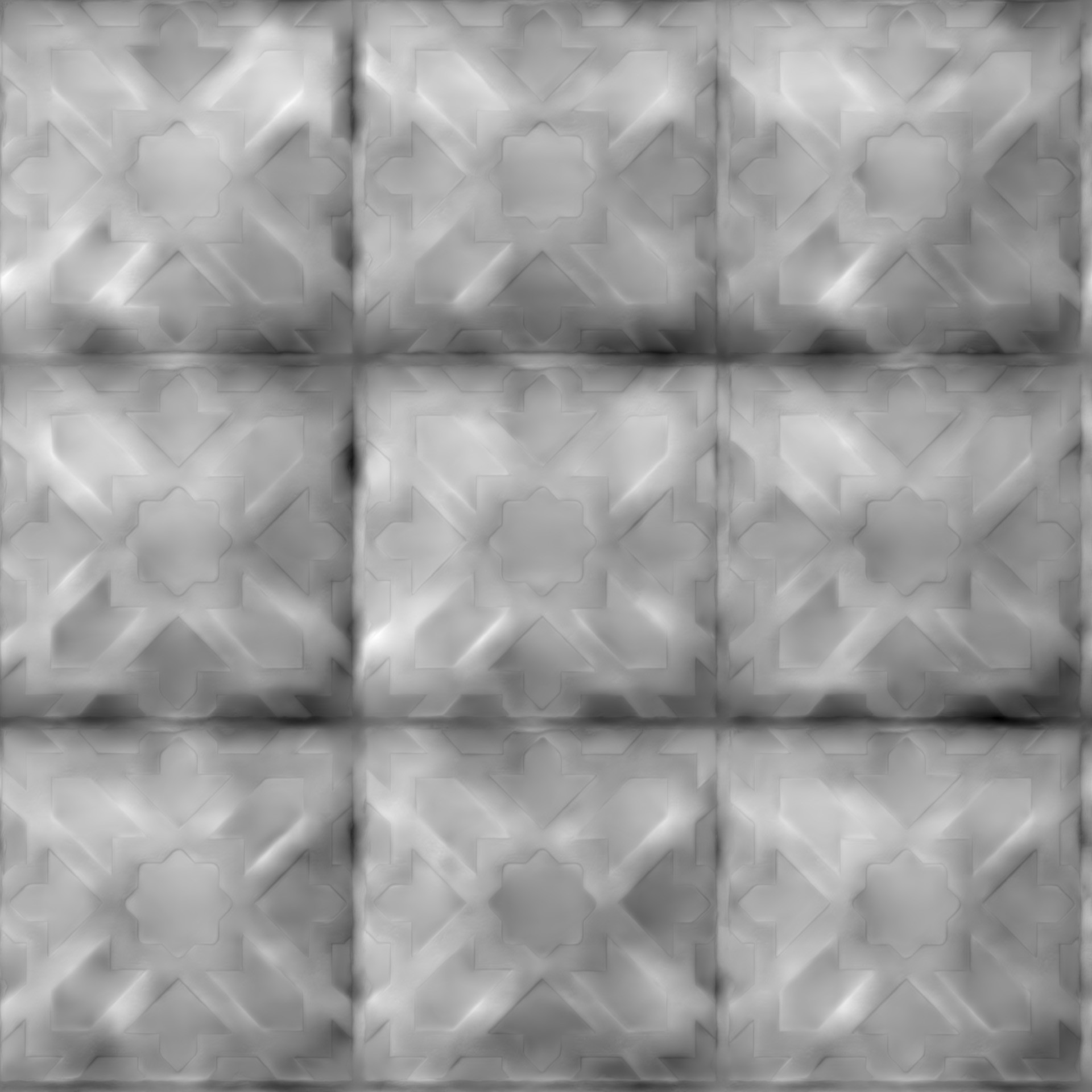
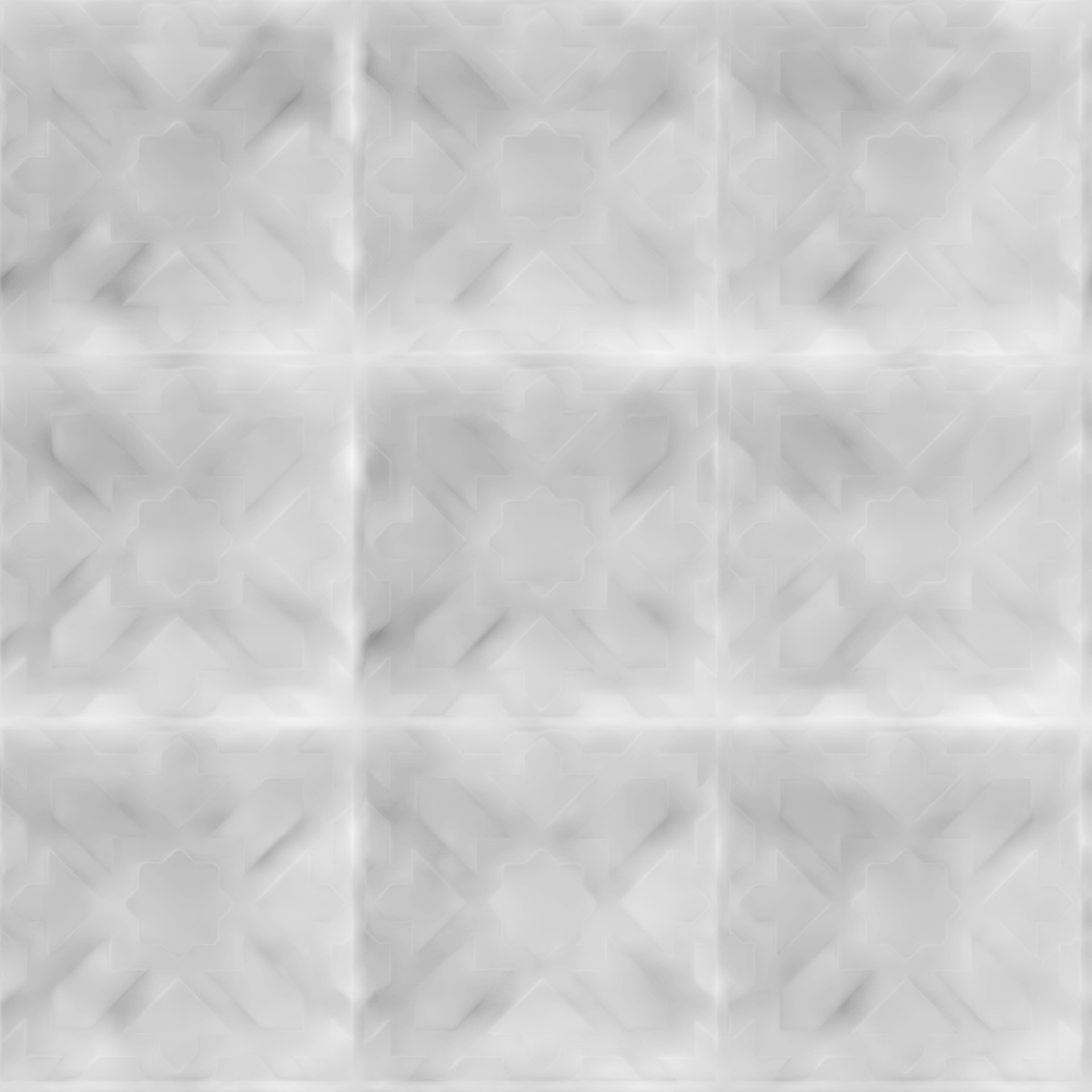
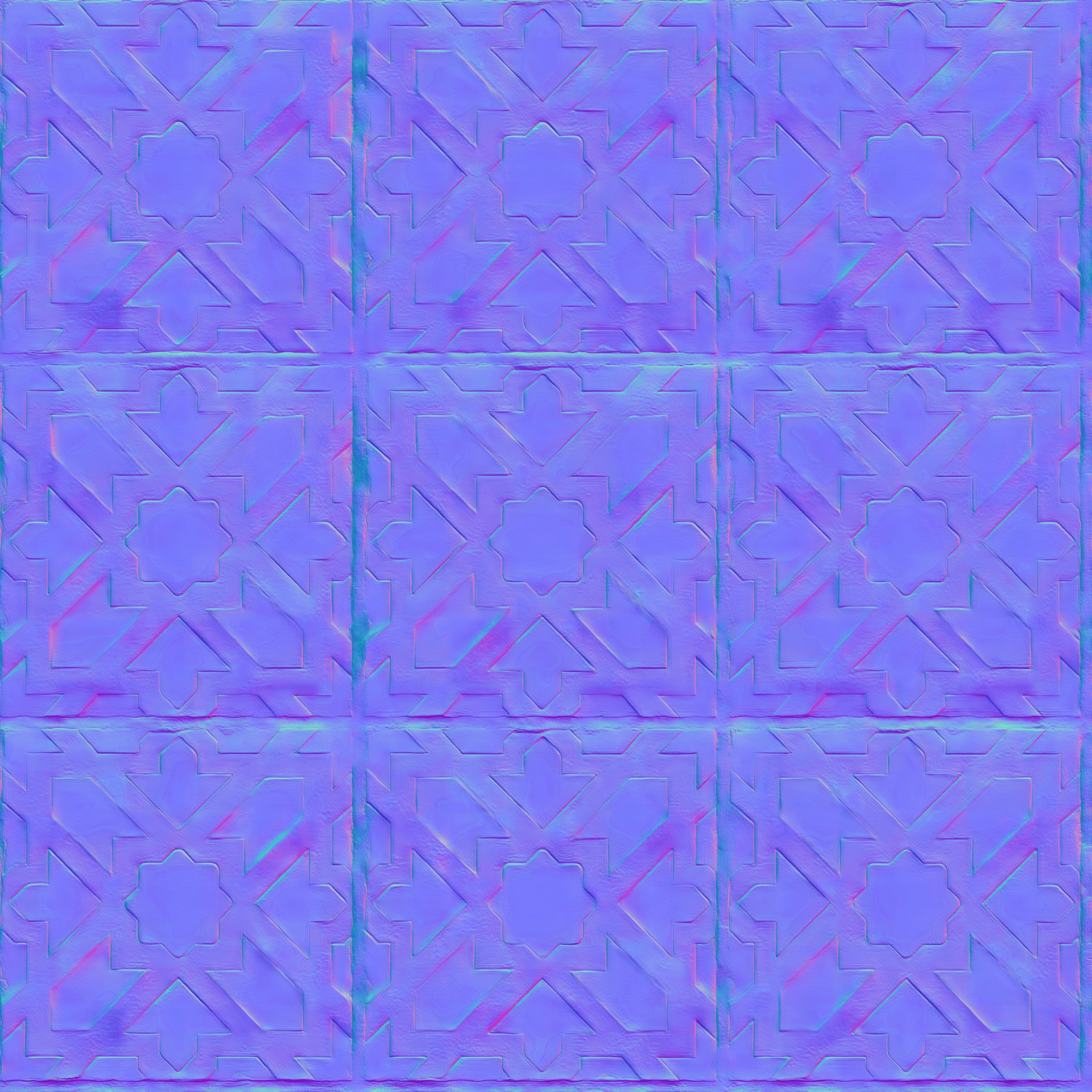
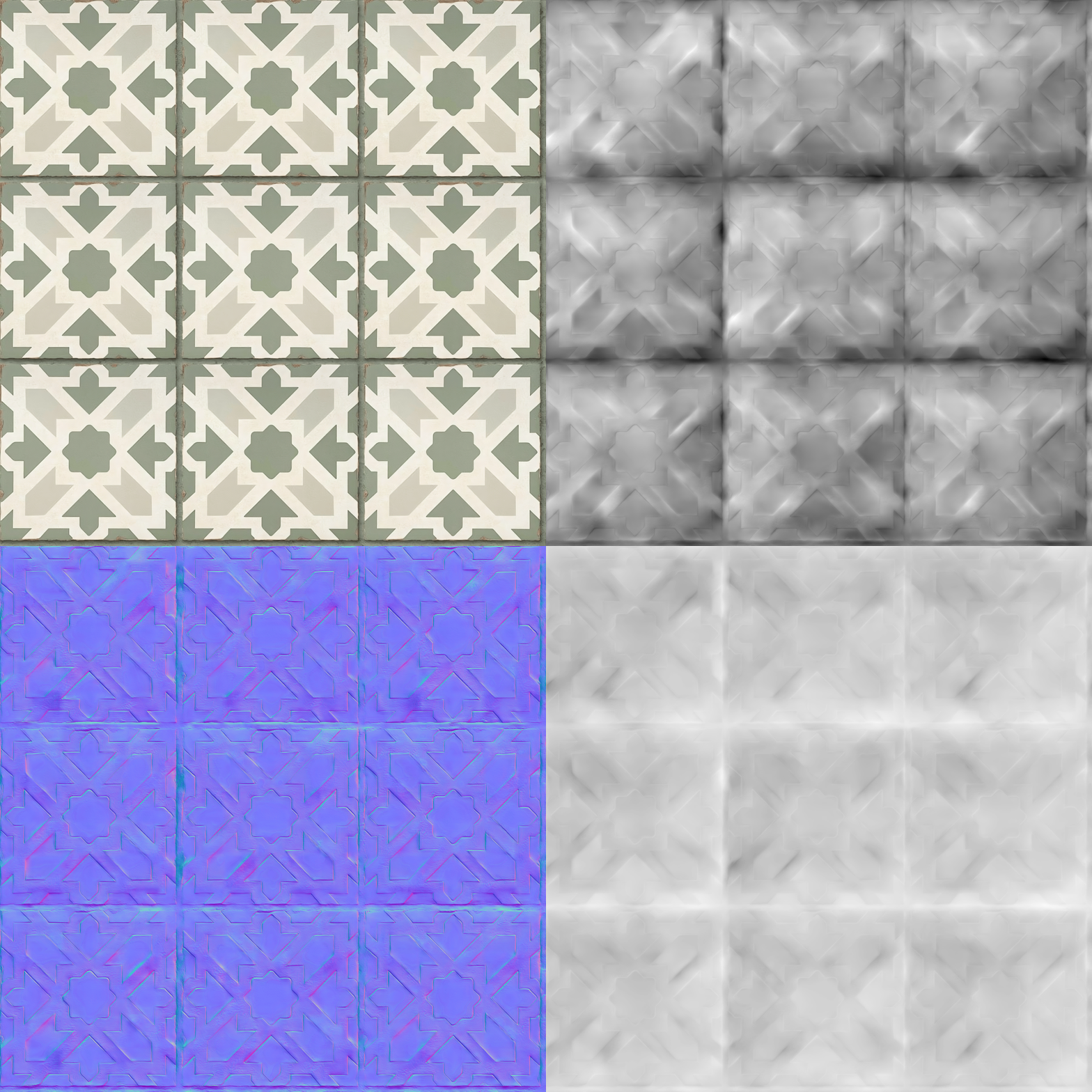
A realistic digital material is not defined by one image. It is a coordinated set of maps that describe how a surface responds to light—and each map needs to remain legible, organized, and predictable when an artist changes the material.
BASE COLOR
The visible surface color without lighting assumptions.
NORMAL
Adds small-scale surface depth without additional geometry.
ROUGHNESS
Controls whether reflected light appears matte, satin, or glossy.
ORM PACKING
R: Ambient Occlusion
G: Roughness
B: Metalness
Packing three grayscale maps into RGB channels reduced texture-file clutter and prepared assets for common real-time and GLB-based delivery workflows.
VIDEO OF FULL WORFKLOW BUILD

DESIGN + DEVELOPMENT
01 / WORKFLOW DESIGN
Mapped material creation steps and identified where artists repeatedly moved files, rebuilt maps, and retested the same decisions.
02 / AI TOOL DEVELOPMENT
Built custom ComfyUI nodes with Python and JavaScript, tested emerging models, and connected generation stages into a repeatable artist-facing workflow.
03 / 3D VISUALIZATION
Developed a Three.js material viewer to inspect generated maps on multiple geometries with real-time roughness, metalness, normal, lighting, and tiling controls.
04 / TESTING + TRANSFER
Evaluated failure modes, refined parameters, and created Korean-language documentation for setup, node connections, errors, and export instructions.
≈30%
reduction in repetitive manual production work—by connecting generation, texture processing, material preview, and export into a single production workflow.
workflow
06 / ITERATION
01 — Output quality could vary substantially between models; the workflow needed visible checkpoints rather than blind automation.
02 — Removing seams could flatten texture detail, so iteration focused on preserving surface character while improving repeatability.
03 — Flat images and rendered materials did not always agree; the real-time viewer made those differences visible before export.
04 — File paths, node communication, and dependency management required the prototype to be tested as a system—not as isolated interface screens.
DESIGNING FOR
CONTINUED USE
The tool was accompanied by Korean-language documentation for installation, workflow structure, node connections, parameters, model requirements, common errors, export instructions, and example use cases. Documentation was treated as part of the product: it made the workflow legible enough to be adopted, maintained, and extended by others.
HYPERTRIANGLE
REFLECTION
Hypertriangle taught me to see AI as one part of a larger human workflow that must be designed, tested, and translated into tools people can actually use.
The project strengthened my interest in AI product design, human–AI interaction, creative technology, and tools that enhance rather than replace human creativity.